
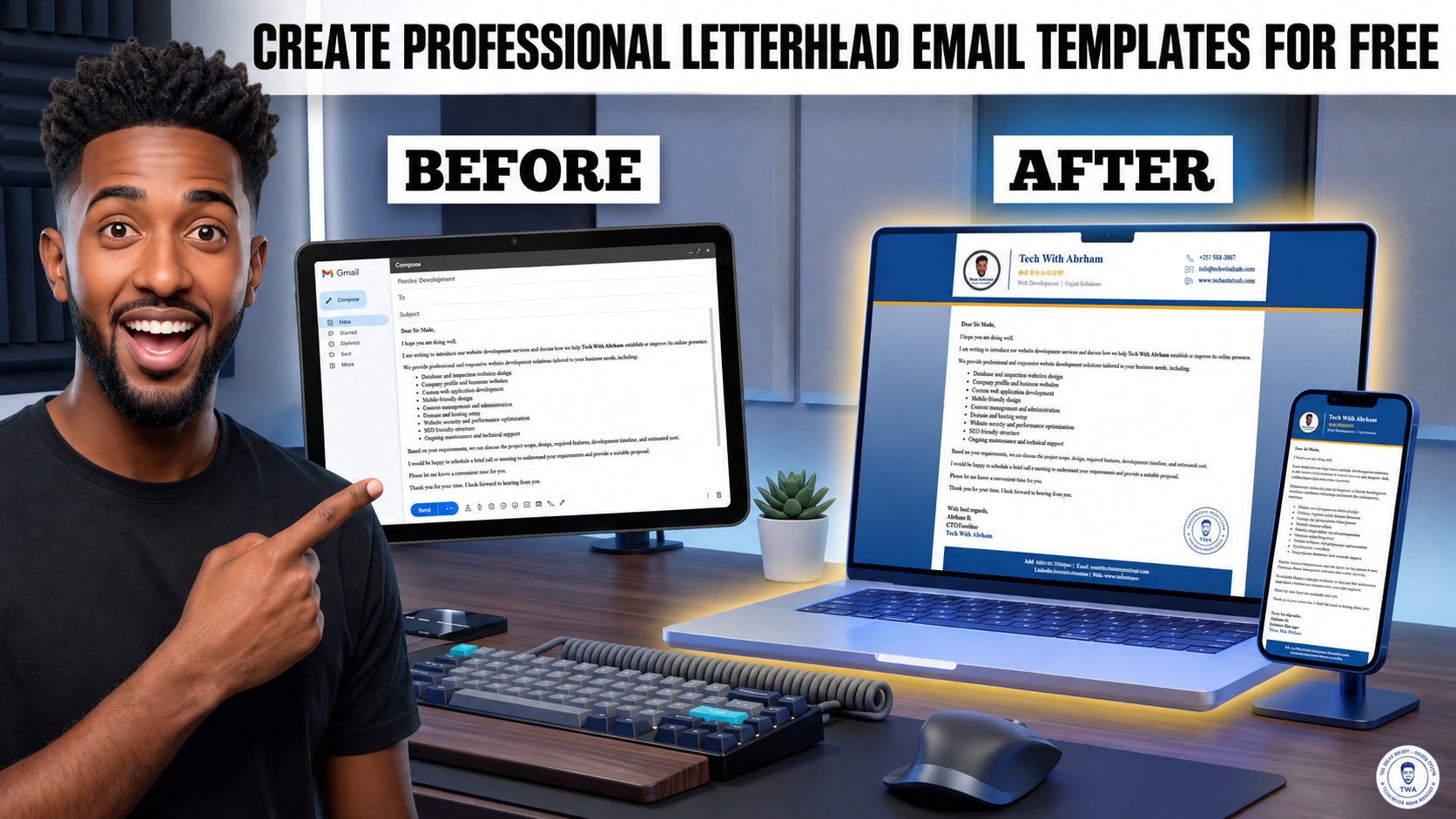
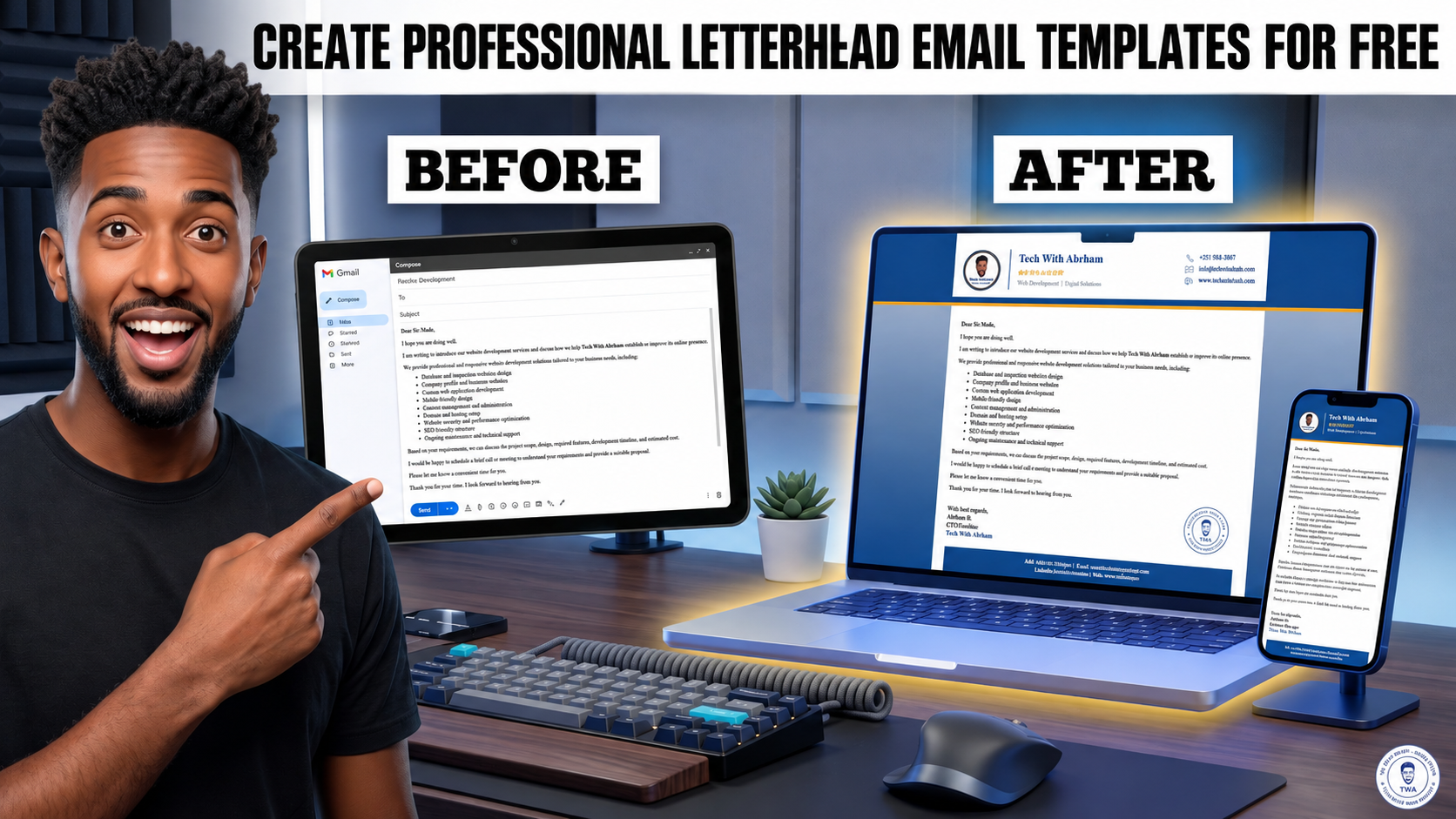
How to Create Professional Letterhead Email Templates for Free
What is the difference between a Formal Email and a Professional Email?
In this video, we compare Formal Email vs Professional Email and show you how to create a professional email template that you can reuse in Gmail.
You will learn how to:
✅ Understand the difference between Formal and Professional Email
✅ Structure a professional business email
✅ Use your company or personal Letterhead
✅ Convert a PDF or image-based Letterhead into an HTML email template using AI
✅ Create an email-compatible HTML design
✅ Add the HTML design to Gmail
✅ Enable Gmail Templates
✅ Save your professional email as a Gmail Template
✅ Reuse the template whenever you need it
The process is:
- 📄 Letterhead / PDF / Image
- 🤖 AI
- 💻 HTML Email Template
- 📧 Gmail
- ⚡ Reusable Gmail Template
Prompt PDF/Image upload ChatGPT / Gemini / Claude:
"Analyze this letterhead design and recreate it as a professional email-compatible HTML template. Preserve the original layout, branding, colors, logo placement, typography, spacing, footer, contact information and overall visual structure. Use inline CSS and email-compatible table-based HTML. Make the content editable with clear placeholders for recipient, subject and message body."
HTML Viewer: https://html.onlineviewer.net/
Image Hosting: https://myimgs.org/
Join our Telegram Channel for resources & prompts:
👉 https://t.me/techwithabrham
This method can be useful for businesses, freelancers, developers, professionals, and anyone who regularly sends formal or business emails.
Tech With Abrham
Web Development | IT Solutions | Technology Tutorials
Share Post